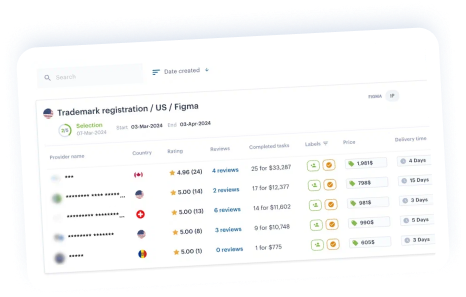




Auto pricing aims to help providers streamline their offer-giving process. With this feature, providers can enter their prices once, and these prices will be sent automatically when there is a relevant request.
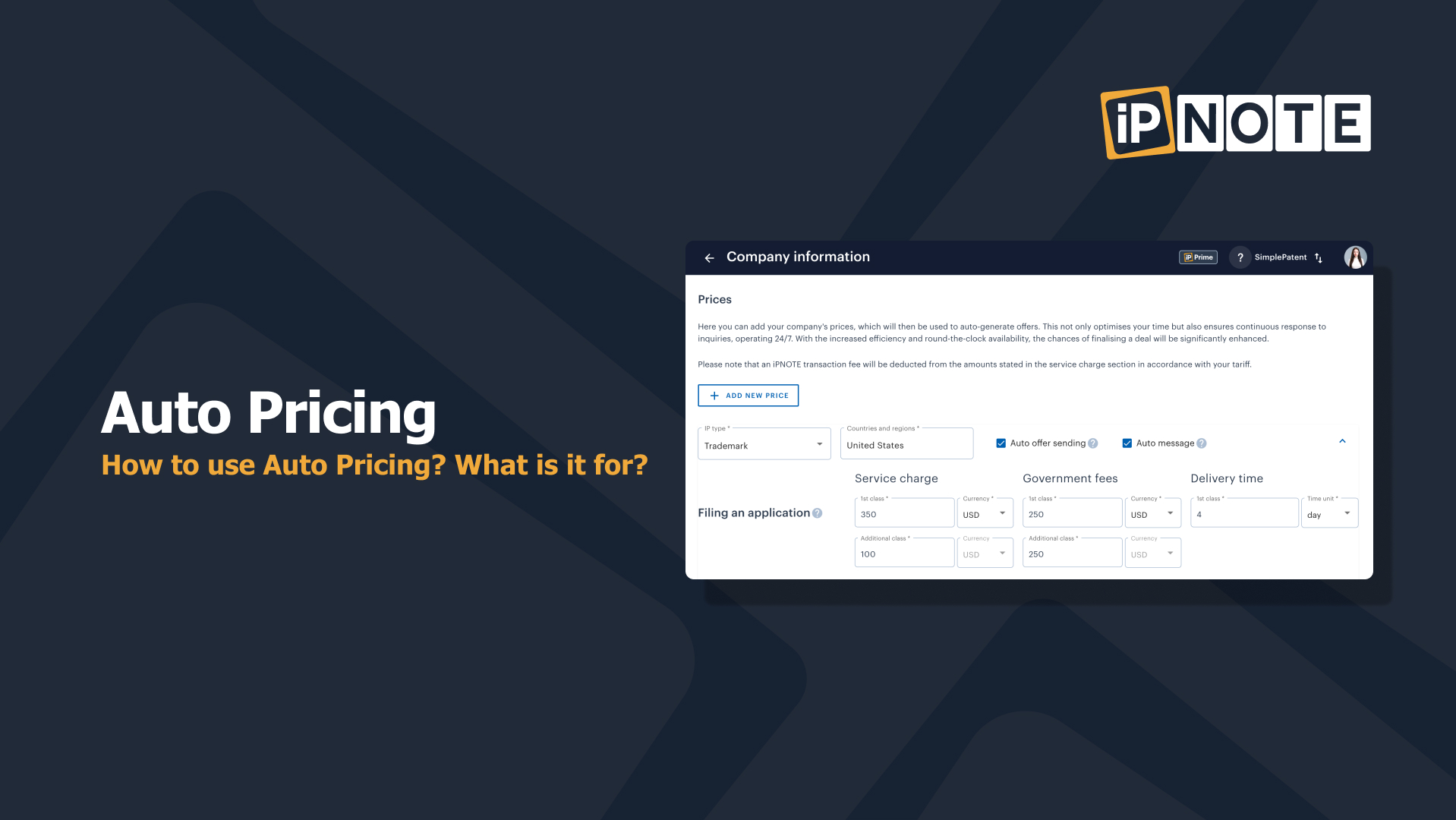
You need to follow a few steps to set up prices:
1. Click Company;
2. Click Prices;
3. Click Auto offer sending;
4. Fill in your fee, government fee, and delivery time (please note an iPNOTE transaction fee will be deducted from the service charge section in accordance with your tariff);
5. Click Auto message if you want to turn the auto messaging on;
6. Type your message which clients will receive.
7. Click Save.
Note: Indicate your fees for drafting and filing only in Filing an application service. Don’t include your filing fee to Protectability search and Claiming priority, these fees will be added automatically if a client requires them.
Note: Avoid writing your company name in auto messages. Make the message more generic by writing a few words about the process and giving a breakdown of your costs. Also check how to be promoted on iPNOTE Marketplace.
💡Tip: You can put your local currency for both Service Charge and Government fee. Click Currency and choose necessary currency.


***
The iPNOTE platform features more than 700 IP law firms that cover more than 150 countries, so you can always find the right direct service provider using our flexible filtering system.
Conduct a free patent search with our AI tool.
Use our AI Assistant to protect your IP.
Sign up for free, and we’ll help you solve any IP-related problem.
Industrial design services encompass a wide array of offerings, including the application service design. Within the realm of industrial design services, the application service design segment focuses on optimizing user experiences and enhancing the functionality of products and systems.